How to Translate an HTML File Without Breaking the Layout
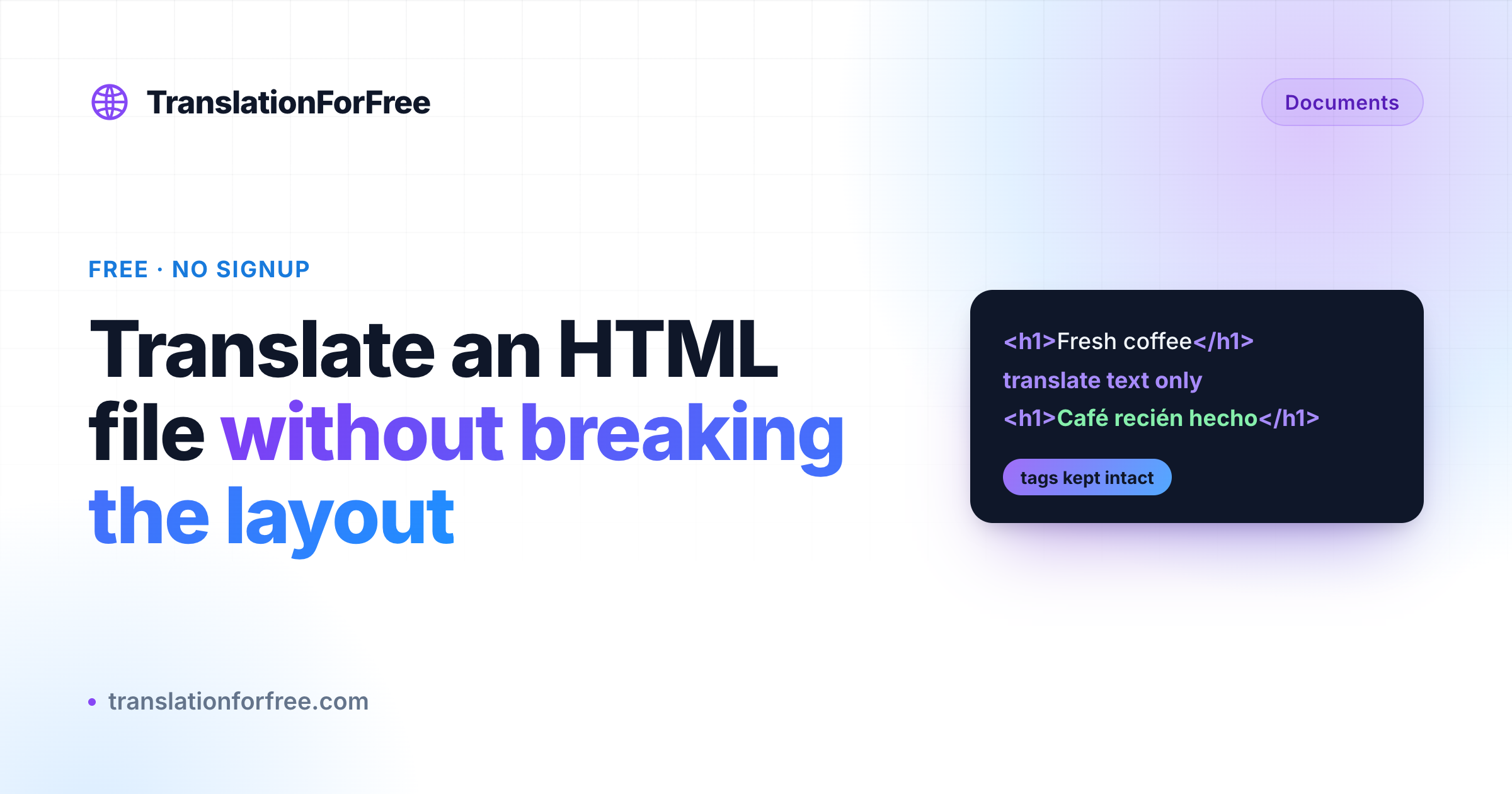
To translate an HTML file without breaking the layout, use a translator that reads the markup instead of treating it as words. The HTML Translator pulls out only the human-readable text and rebuilds the page with every tag, class, link, and inline style back where it belongs. Free, no signup.
You have an HTML file to translate. A landing page, an exported article, a documentation page, a saved web page. The obvious move is to open it, copy the text, and paste it into a translator. Then you paste the result back, and the page is a mess. Bold text has moved to the wrong words, links point nowhere, half your tags are gone, and the layout you spent hours on is broken.
The problem is not the translation. It is that a normal translator has no idea what an HTML tag is. It treats <a href="..."> as words to translate, or it deletes the structure entirely. What you actually want is a translator that changes the readable text and leaves the code alone.
Why copy-paste breaks HTML
An HTML file is text and structure woven together. A single line might be a heading tag, a paragraph with a bolded phrase and a link inside it, an image with alt text, and a closing tag, all mixed in with the words a reader sees.
When you paste that into a plain translator, it cannot tell the difference between the two. It might translate your CSS class names, rewrite your URLs into broken text, or drop the tags so the styling no longer applies. Even when it keeps the tags, it usually translates word-for-word, so a bolded phrase in English ends up bolding the wrong words in the target language, because grammar moved the emphasis somewhere else.
The fix is a tool that reads the HTML properly: it pulls out only the human-readable text, translates that, and rebuilds the page with every tag back where it belongs.
Translating the file
The HTML Translator does exactly that. You upload an .html file, pick a language, and get back the same page in the new language with the structure untouched. The parsing and rebuilding happen on the server, and the preview renders in a locked-down sandbox, so an uploaded file can never run any code.

- Open the HTML Translator.
- Drop your
.htmlfile in, or click to browse for it. - Pick the language you want under To (leave From on Auto-detect if you are not sure).
- Click Translate HTML, then download the result.
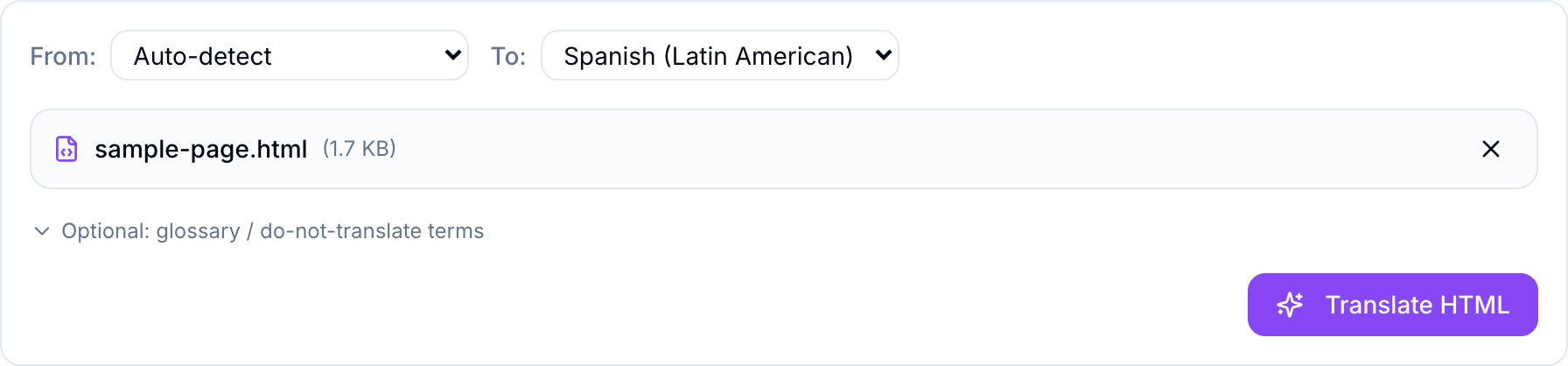
Once the file loads, you get a compact control row: the source and target language, the file you picked, and an optional glossary you can skip for now. Leaving the source on Auto-detect is fine; the tool figures out the original language on its own.
Click Translate and you get the original and the translation side by side, each rendered as a real page so you can see the layout survived. A small badge tells you how many text segments were translated, so you can confirm nothing was skipped. When it looks right, download the finished .html.
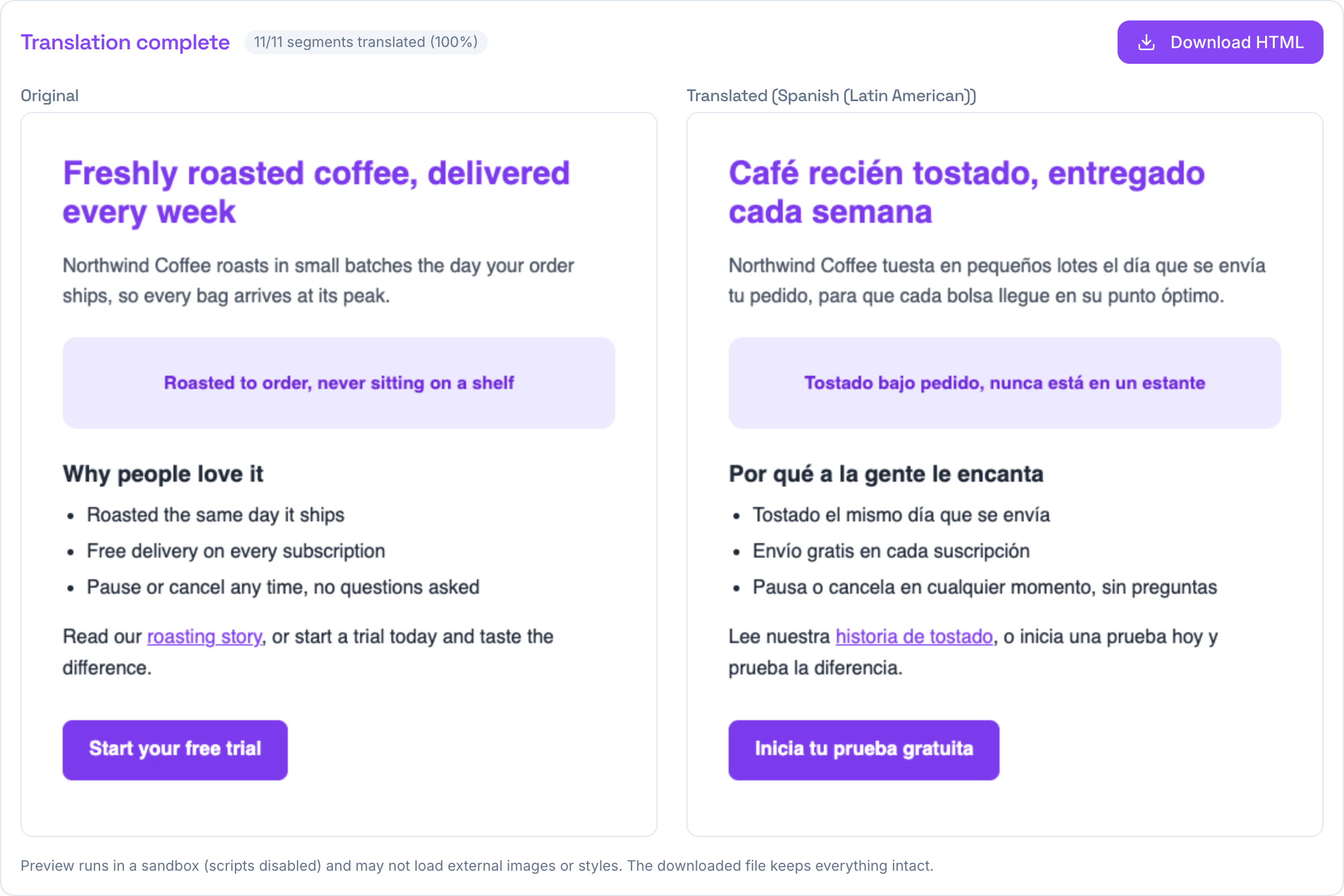
Notice what happened. The heading is still a heading, the button is still a purple button, the bullet list is still a list, and the link inside the paragraph still links. Only the words changed. The Spanish version reads naturally, not word-for-word, because the emphasis and phrasing were rebuilt to fit the target language instead of being forced into the English order.
What gets translated, and what stays untouched
The tool is careful about the line between content and code.
It translates all the visible text: headings, paragraphs, list items, table cells, and link text. It also translates the things readers and search engines see but you might forget about, like image alt text, title tooltips, form placeholders, the page <title>, and the meta description and social-preview tags in the <head>.
It leaves alone everything that makes the page work: every tag and its structure, CSS classes and inline styles, <script> and <style> blocks, and anything inside <code> or <pre>. It also skips URLs, email addresses, and file paths, so your links and assets keep pointing where they should.
That split is the whole point. The reader gets a fully translated page, and your markup comes out exactly as it went in.
Tips for a clean result
- Pin your brand and product names with the optional glossary so they stay consistent instead of getting translated on some lines and not others. One term per line, like
Acme Corp = Acme Corp. - Pick a specific language variant when it matters. Latin American Spanish and European Spanish are separate options, and choosing the right one gets you the right tone.
- Keep the file self-contained if you want the preview to look complete. The preview runs with scripts disabled and may not pull in external images or stylesheets, but the downloaded file keeps every reference intact, so it renders fully once you open it normally.
If your file is a full article and you only want the words rather than the markup, you might not want an HTML translation at all. In that case, translate it as plain text instead. And if what you are localizing is an email template rather than a web page, we walked through that specific case in how to translate an HTML email template.
For translating an HTML file while keeping its layout intact, though, this is the short version: upload, pick a language, download. Every tool is free and needs no signup, and the full set is on the TranslationForFree home page.