SRT vs VTT: Subtitle Formats Explained
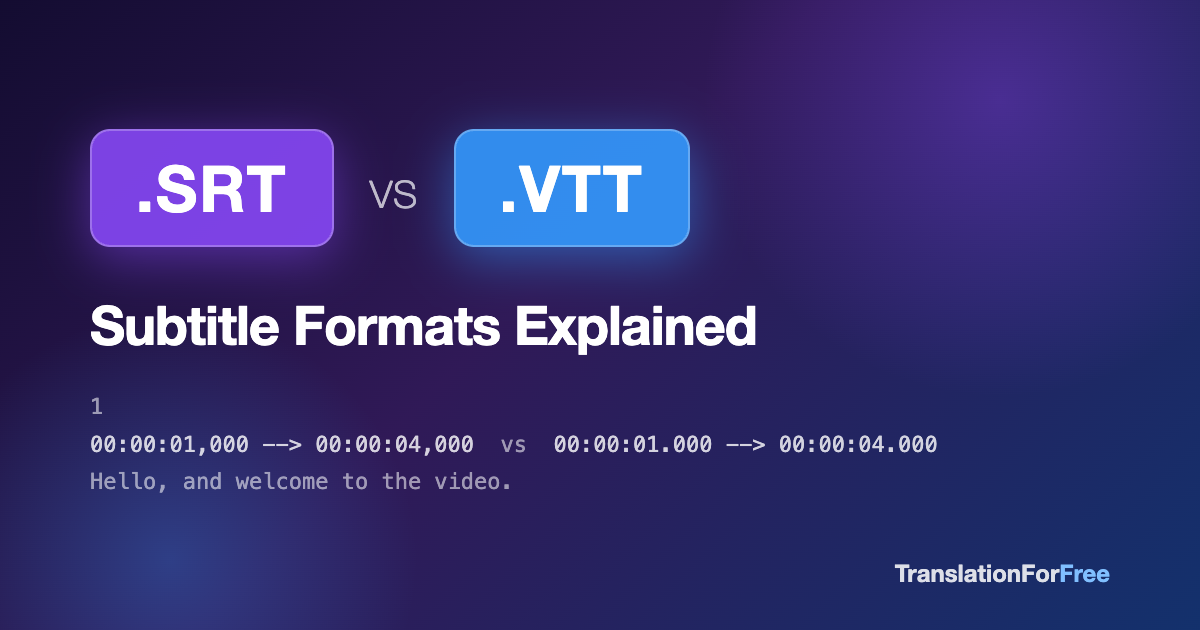
SRT and VTT are the two common subtitle file formats. SRT is the older, simpler one that nearly every desktop video player accepts, and VTT is the web standard that HTML5 players require, with support for styling and positioning. They carry the same captions and the same timings, and converting between them is lossless.
If you work with subtitles for YouTube videos, films, courses, or corporate content, you’ll run into two file formats again and again: SRT and VTT. They look almost identical at first glance, but they behave differently, and picking the wrong one can mean a player that silently refuses to show your captions.
Here’s what actually matters about each.
What is an SRT file?
SRT (SubRip Text) is the oldest and most widely supported subtitle format. It was originally created by the SubRip software in the early 2000s and has been the de facto standard ever since.
An SRT file is plain text with a simple repeating structure: a sequence number, a timecode line, and the subtitle text.
1
00:00:01,000 --> 00:00:04,000
Hello, and welcome to the video.

2
00:00:04,500 --> 00:00:07,200
Today we're talking about subtitles.
Two details to notice:
- The timecode separator is a comma (
00:00:01,000) - Every cue starts with a sequence number
SRT supports almost no styling. Some players honor basic tags like <i> and <b>, but that’s it. What it lacks in features it makes up for in compatibility: VLC, Plex, YouTube, Premiere Pro, DaVinci Resolve, smart TVs. Practically everything reads SRT.
What is a VTT file?
VTT (WebVTT, “Web Video Text Tracks”) is the web-native subtitle format, standardized by the W3C for HTML5 video. If you’re adding captions to a <video> element with a <track> tag, the browser expects VTT, and SRT will not work.
WEBVTT

1
00:00:01.000 --> 00:00:04.000
Hello, and welcome to the video.

2
00:00:04.500 --> 00:00:07.200
Today we're talking about subtitles.
The differences from SRT are small but strict:
- The file must begin with the header line
WEBVTT - The timecode separator is a period (
00:00:01.000), not a comma - Sequence numbers are optional
- VTT supports richer features: cue positioning, colors, per-speaker styling with CSS, and metadata notes
So which one should you use?
The short answer: let the destination decide.
| Destination | Format |
|---|---|
| HTML5 video on a website | VTT (required) |
| YouTube, Vimeo uploads | Either works (SRT is the safe default) |
| VLC, Plex, media players | SRT |
| Video editors (Premiere, Resolve) | SRT |
| Course platforms (Udemy, Coursera) | Usually VTT |
If you’re distributing a file for others to use and don’t know their player, SRT is the safer bet purely on compatibility.
Converting between SRT and VTT
Because the formats are so close, conversion is mechanical: add or remove the WEBVTT header and swap commas and periods in the timecodes. But doing it by hand in a text editor is error-prone. One missed comma and some players reject the entire file without an error message.
Our free SRT ↔ VTT converter does it instantly in your browser. No signup and no upload to a server, so the file never leaves your machine.
Translating subtitle files
One more thing the formats have in common: translating them is painful by hand, because you have to preserve every timecode and cue boundary while replacing only the text. Paste a subtitle file into a generic translator and it will usually mangle the structure.
That’s exactly what our free subtitle translator is built for. It parses the SRT or VTT structure, translates only the dialogue into any of 50+ languages, and gives you back a valid subtitle file with the original timing intact.
TL;DR
- SRT: oldest, simplest, works almost everywhere. Comma in timecodes.
- VTT: web standard, required for HTML5 video, supports styling. Period in timecodes,
WEBVTTheader. - They’re 95% the same, so convert between them freely and pick whichever your platform expects.